Rhythm writer
Write rhythms with note values and rests, then play them with a metronome.
Write a rhythm
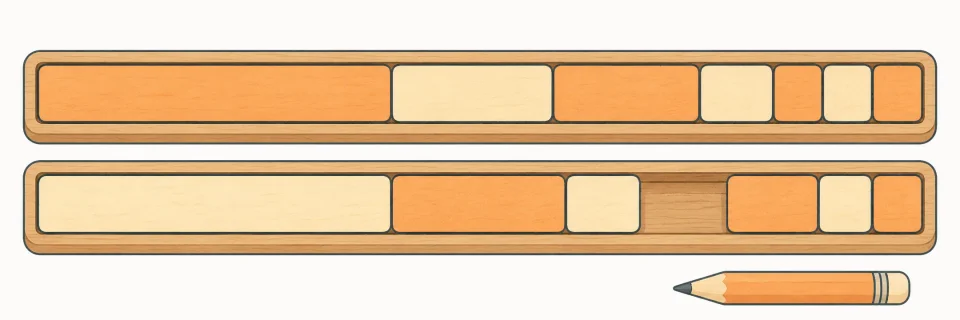
Choose a meter and the number of bars. Drag on the grid to draw notes, or choose a value below and click a place. The staff and the total of each bar change as you write; empty places are rests. Listen plays the rhythm in a loop, with a count-in and a metronome if you want them. Nothing is scored.
Choose a value, then click a place in the bar.
Drag on the grid to draw a note; drag its right edge to change its length, drag the note to move it, double-click it to remove it. Empty places are rests.
Arrow keys move, Enter places, Delete removes, Shift+Delete clears, Ctrl+Z undoes, Ctrl+Shift+Z redoes.
Bar totals in quarter notes
- Bar 1: 0 of 4
- Bar 2: 0 of 4
Read the notation
The rhythm on one staff line. Every note has the same pitch.